
Staying connected on the road is essential for work, navigation, entertainment, and safety. Whether you’re streaming movies at a campground or checking weather updates before a mountain pass, a reliable internet connection can make or break your RV trip. Below are expert tips to optimize RV Wi-Fi and cellular performance, ensuring you stay online wherever your travels take you.
1. Understand Your Connectivity Options
In an RV, you typically have three main ways to connect:
Campground Wi-Fi
- Free vs. Premium Wi-Fi: Many campgrounds offer basic free Wi-Fi for limited devices and speeds. Premium Wi-Fi packages—often $5–$15/day—provide faster, more reliable connections suitable for streaming or video calls.
- Distance from the Router: Sites farther from the campground office may experience weaker signals. Check campground maps or ask staff for recommended spots with strong routers.
- Network Congestion: During peak season, dozens of RVs sharing one access point can slow speeds dramatically—plan heavy downloads during off-peak hours (early morning or late evening).
Cellular Data (4G LTE & 5G)
- Carrier Coverage Maps: Before your trip, review LTE/5G coverage maps for AT&T, Verizon, and T-Mobile. National parks and remote byways often have spotty coverage—plan accordingly.
- Data Plans: Unlimited plans with hotspot allowances are ideal. If you have a capped plan, monitor usage carefully—streaming, downloads, and multiple connected devices consume data quickly.
- Signal Strength: RVs often encounter weak signals in valleys or dense forests. Use apps like OpenSignal to locate the nearest tower and position your RV for best reception.
Mobile Hotspots & Routers
- Dedicated 4G/5G Routers: Devices like the Netgear Nighthawk MR1100 create a Wi-Fi network inside your RV using cellular data. Look for routers with external antenna ports for signal boosting.
- Smartphone Hotspots: Convenient for short trips, but smartphones can overheat when used as hotspots, and battery drain is significant.
- Wi-Fi Extenders: If campground Wi-Fi is available but weak, a Wi-Fi extender (e.g., Winegard ConnecT or similar) can amplify the signal inside your RV.
2. Equipment & Setup Recommendations
Your hardware choices make a big difference in performance. Consider these essential tools:
Cellular Signal Boosters
- RV-Mounted Antennas: Mount an exterior antenna (preferably on the roof) to capture stronger signals. Look for multi-band boosters that work on various carrier frequencies.
- Booster Systems: A system like the SureCall Fusion2Go combines an outdoor antenna, amplifier, and indoor antenna—often improving signal by 20-30 dB, which equates to several bars in rural areas.
- Installation & Grounding: Properly ground your antenna to prevent lightning damage. Use sealed cable connections to keep moisture out.
RV Wi-Fi Extenders
- Roof-Mount Options: Devices such as the Winegard ConnecT or Hawking Technology HWK-WR300N capture campground Wi-Fi on the roof and rebroadcast it inside at higher strength.
- Placement: Mount extenders centrally on the roof, clear of obstructions like air vents or solar panels. Inside, place the receiver near your workspace for stable speeds.
- Multiple Networks: Some extenders can connect to multiple SSIDs—ideal if a campground offers different networks (e.g., “Campground_Guest” and “Campground_Premium”).
Power & Backup Solutions
- Dedicated Power Lines: Run separate power cables for routers and boosters to reduce interference. Avoid shared circuits with high-draw appliances (air conditioners, microwaves).
- UPS & Surge Protectors: A small uninterruptible power supply (UPS) keeps your networking gear running during brief power blips. A whole-RV surge protector guards against voltage spikes at poorly maintained campground hookups.
- Solar & Battery Banks: If you plan extended boondocking, ensure solar panels can charge enough to power your devices overnight. Consider a 100W solar panel and a 100Ah deep-cycle battery.
3. Optimizing Software & Settings
Even the best hardware requires proper configuration. Use these software strategies:
Network Prioritization & QoS
- Quality of Service (QoS): On advanced routers, enable QoS to prioritize critical apps—video calls, navigation data—over background downloads. This prevents buffering during important tasks.
- Device Management: Connect only essential devices. Limit automatic updates on tablets and smartphones when using cellular data to conserve bandwidth.
- DNS Optimization: Switch to fast, reliable DNS servers (e.g., Google’s 8.8.8.8 or Cloudflare’s 1.1.1.1) to reduce latency when accessing websites.
VPN & Security Measures
- Always Use a VPN: Public campground Wi-Fi networks can be insecure. A VPN encrypts your traffic, protecting passwords and sensitive data. Choose a reputable provider like NordVPN or ExpressVPN.
- Firewall Settings: Enable firewalls on your router and devices. Restrict inbound connections and disable file sharing over public networks.
- Automatic Updates: Schedule operating system and antivirus updates for overnight or when connected to secure home Wi-Fi before your trip.
4. Planning for Remote Areas & Blackout Zones
Even with boosters, remote locations may still lack signal. Here’s how to prepare:
Offline Maps & Navigation
- Pre-Download Maps: Use navigation apps like Google Maps, Maps.me, or Gaia GPS to download offline map areas—especially for national parks, desert highways, or alpine passes.
- POI Databases: Store POIs (gas stations, campgrounds, repair shops) offline. Carry paper maps or atlases as backup in case of complete signal loss.
- Trip Itineraries: Save campgrounds’ addresses and contact numbers locally on your phone or tablet. In a no-service zone, you can still rely on this information.
Satellite Internet Options
- Starlink for RV: Starlink’s RV service provides high-speed, low-latency internet almost anywhere—ideal for remote boondocking. Expect higher monthly fees ($135+) and carry extra power for the dish.
- Iridium Go! & SATELLITE Phones: If Starlink isn’t available, consider an Iridium Go! hotspot or a satellite phone. These devices allow text messaging and low-bandwidth data—suitable for emergency communications.
5. Practical Tips for Campground Wi-Fi Success
Campground Wi-Fi quality varies widely. Use these tactics to maximize performance:
- Choose Higher Campsites: Sites uphill or closer to the office often receive stronger signals—check elevation on campground maps or ask staff for signal strength tips.
- Avoid Obstructions: Park your RV so the front or side faces the main router location. Keep awnings and slide-outs away from line-of-sight obstructions like trees or metal structures.
- Use Ethernet When Possible: Some premium campgrounds offer Ethernet hookups at sites—use a short Ethernet cable to connect directly to your router, bypassing Wi-Fi congestion.
- Monitor Bandwidth Usage: Streaming HD video can saturate campground networks. Opt for SD quality or download content in advance when connected to home Wi-Fi.
6. Related Resources & Further Reading
For more on camping essentials, see our post RV Kitchen Meal Prep: Easy Recipes for the Road. If you’ll be off-grid frequently, learn about Nashville RV Camping on a Budget for cost-effective power and connectivity strategies.
Conclusion
Maintaining reliable RV Wi-Fi and cellular connections requires the right hardware, strategic planning, and smart usage habits. By investing in signal boosters, routers, and quality-of-service configurations—and preparing for remote zones—you’ll be able to work, stream, and stay safe wherever your journey takes you. Ready to start your next adventure with confidence? Reserve an RV today and explore the open road without worries about going offline!
NashvilleRV Rentals
Nashville’s Only Locally Owned RV Superstore.
Customer Reviews







He was great and treated us wonderful
Great experience






Point of advice for future renters: you are not reimbursed for any unused mileage on the rental. I made the mistake of over-estimating the mileage to mitigate any mileage charge on the return; however, I quickly learned that was not the case. Money down the drain for proactive thinking. Next time, I’ll only use the provided mileage estimate cost, and incur the exact additional cost in the return. Even with this lesson learned, I will still use them for future needs!


We decided we didn’t need to keep looking
His knowledge of the RVs and how they work for us new time renters made us feel so secure and have peace of mind .
Thanks Beau we can’t wait to start this journey.
Marjorie and Ron





Special thanks to Beau for the great attention and help throughout our visit. Highly recommend!



The staff, specifically Bo, were ready on standby for any questions or hiccups we encountered with the RV during our trip, and his kindness extended thru to the exact moment we returned the RV. These people genuinely want you to have the best time you can in their vehicles. Highly recommended!


We give him 5+ stars!













Vickie

Finance guy, Brian is a pleasure to work with. He cuts to the chase and doesn’t try to sell you more than you need!
Serviceman, Nate is simply the best!
Everyone else that we came into contact with during our visits to Nashville RV are super friendly!
Overall, great experience from start to finish…except the heat! 🙃
It has already been dog approved!























Thank you, Tim & Sheri from Wyoming











Garrett was very thorough when explaining the ins and outs of the RV and how to make sure all fours tires stay in contact with roads.
Would definitely recommend going through Garrett if you are considering renting an RV.

He was patient and understanding while we fumbled through the process, but ultimately was a professional about the whole experience. Bottom line, I wanna party with this guy…. And rent my RV’s from him


We highly recommend Nashville RV, and plan to use them again in the future.


Morgan and Kay Cairns
Bon Aqua TN


Everything about our experience with them was 5 star + and we highly recommend them to anyone who is looking to rent an RV. We will definitely rent from Nashville RV again.
Richard and Renee Childers






Unit was clean, gassed up, tanks filled, ready to go. All required cords, hoses, etc were provided. Everything worked well and well maintained. Great rental experience. Thanks!

Sales Rep meets me on parking area. Calls a service representative from their other building. He begins to check it out. Another service rep joins him. Diagnose the problem. Gets us on the road. AND won't take a dime for jacking our right rear jack back up fully to the necessary place. Week retraction springs.
Highly recommend for their friendly fast knowledgeable service.

we pulled into this business, a service representative immediately came to our motorhome to find out our needs. Eventually there were three servicemen working to get us back on the road. EXTREMELY friendly and knowledgeable. Thank you. I would highly recommend Nashville RV in
Franklin.

The motor home was outfitted with everything we could have possibly needed. Easy to drive. Easy to set up. Highly recommended!
Garrett & Brad showed us everything we needed to know. Checking Out & Checking In took no time at all. The team had everything waiting for us with levels all topped off and full instructions on use. We had 24/7 access to a technician if needed. OUTSTANDING!!

Garrett and Brad were outstanding during the entire process from sharing options for rentals and prices, demonstrating the use of the vehicles, and following up on the overall experience.
My family and I were thrilled to make fun-filled memories using Nashville RV Rentals!



Highly recommend them, and renting an RV first if you’re considering ownership, especially if you’re newbies like we were. It really helps to show what you like and dislike so you can make a decision that’s right for you.
Brad and Garrett were awesome - go see them before you go on your RV Adventure!


Motivates me to run my business better!
RV’s were competitively priced too and basically brand new.
Look no further.




Even went home and returned with the wife to look around. No pressure and no sales pitches. We will definitely be back.



Also, Brad in the rental department is just as courteous and easy to deal with!
I won't be going anywhere else for a camper from here on.





They even have folks that will set up your rig at the campsite. We've used them close to a dozen times. They have earned our continued business. Wish I could give them six stars. Make sure you talk to them before you rent anywhere else.

I highly recommend phoning them if you are considering an RV trip!



They went over everything needed (and more) for our smokey mountain long weekend. All was easy from pick up to drop off. They actually answer phone during off hours! Huge plus on service. We'll be back for sure!


There is a reason they continue to have rave reviews online.
Thanks again and happy RVing!



For any other first-timers: the orientation is adequate, but brief. I'd encourage you to view YouTube tutorials as well before showing up for your rental and/or just filming the key parts of the orientation, as the manual is pretty slim. But, assuming those precautions, Nashville RV is a full-service, one-stop shop to get you safely on the open road--especially first-timers.




Garrett was very helpful and was even able to get us a one day extension to enjoy our trip. This place is top notch. We will definitely be back for our next RV rental. A heads up that this place is a little more expensive than somewhere like Cruise America but I feel like you get better service, a better RV and better coverage so it is worth it.



RV Rental Resources:
Trailers & Motorhomes for Every Occasion
Discover thrilling gaming adventures with enticing bonuses, immersive slots, and live dealers at casinos not on gamstop, ensuring endless entertainment and opportunities to win bi.
Explore the thrill of online gambling with enticing bonuses and exciting live dealer games at casinos not on gamstop, where your gaming experience knows no boundaries.
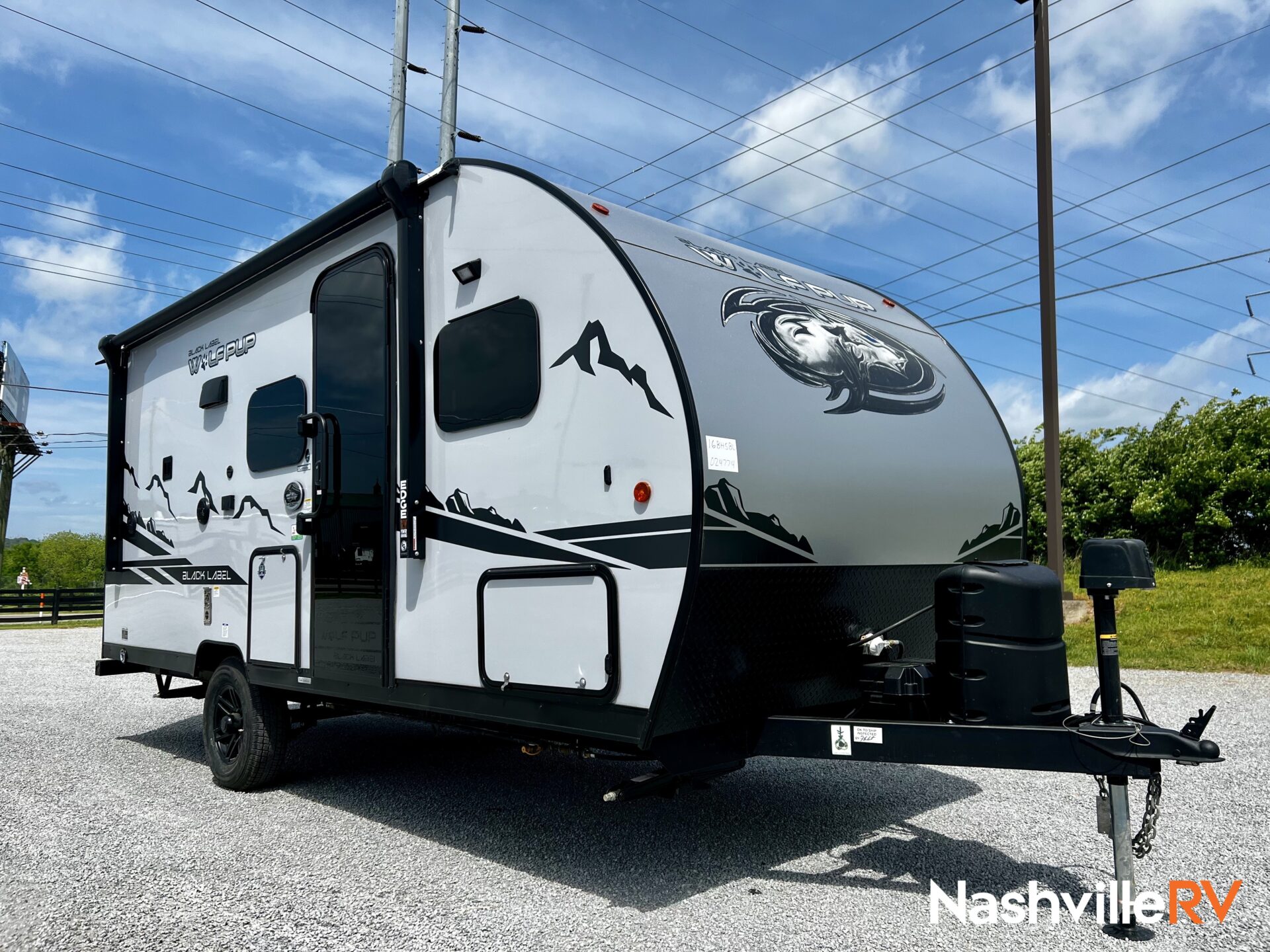
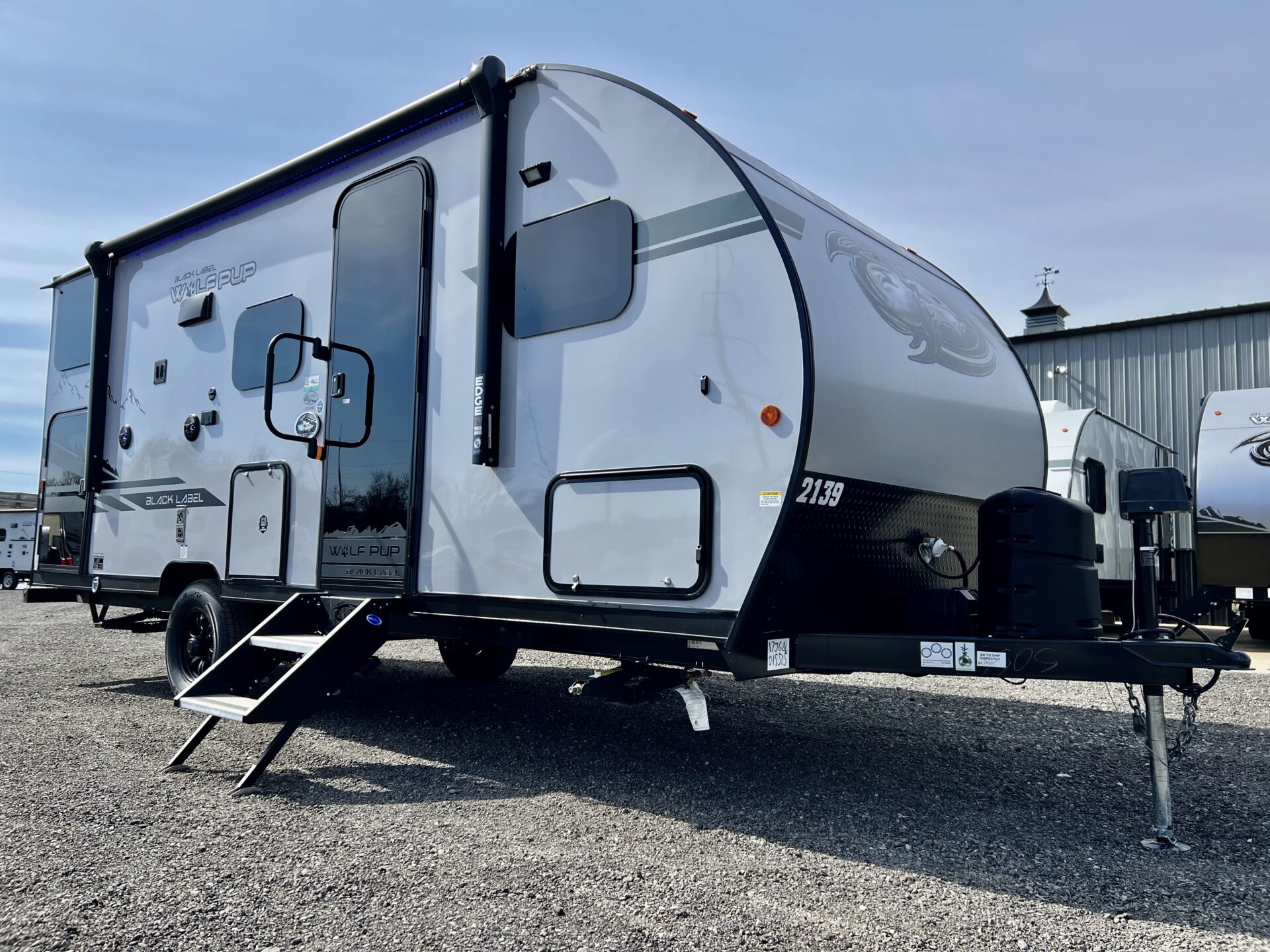
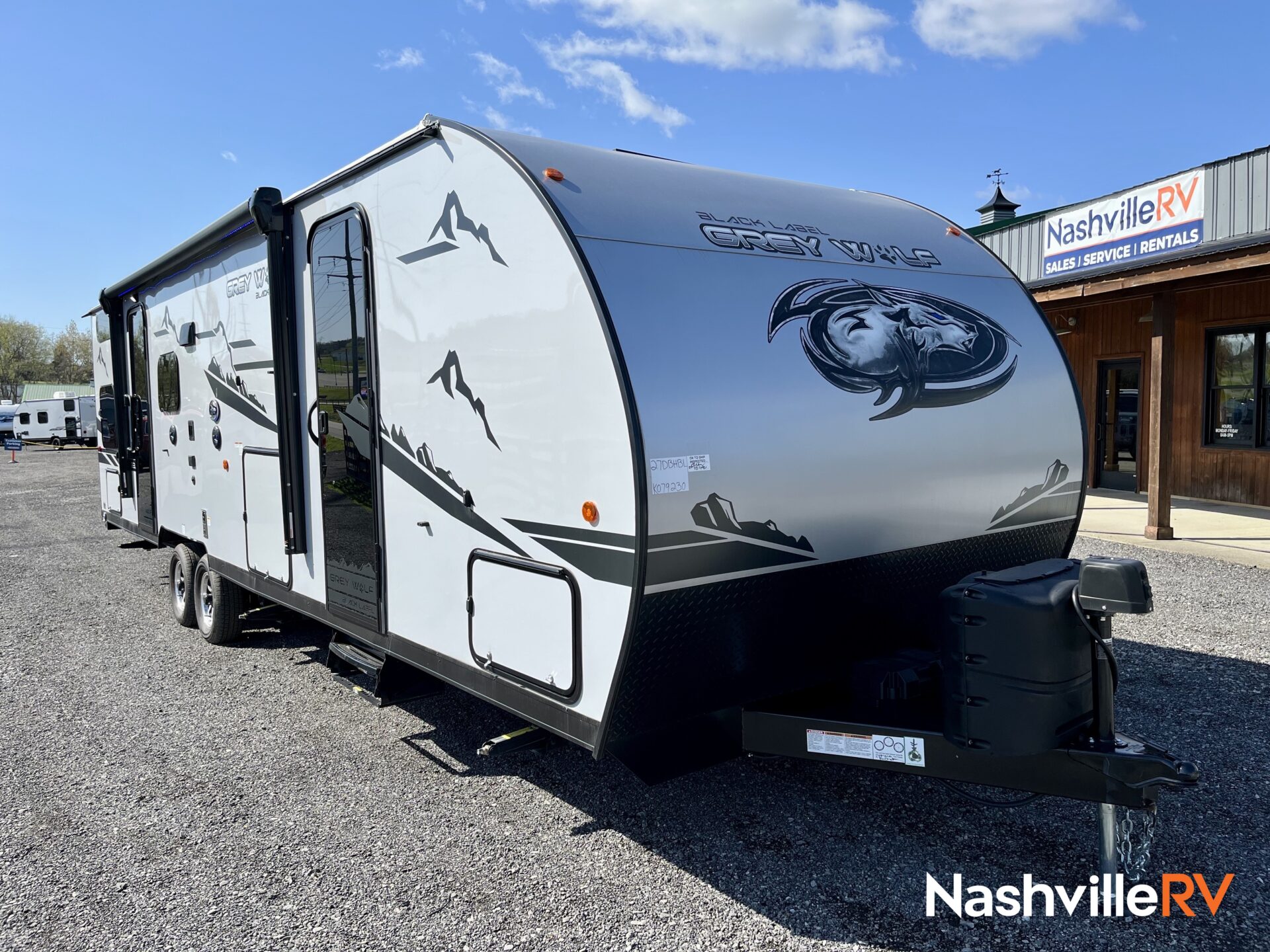
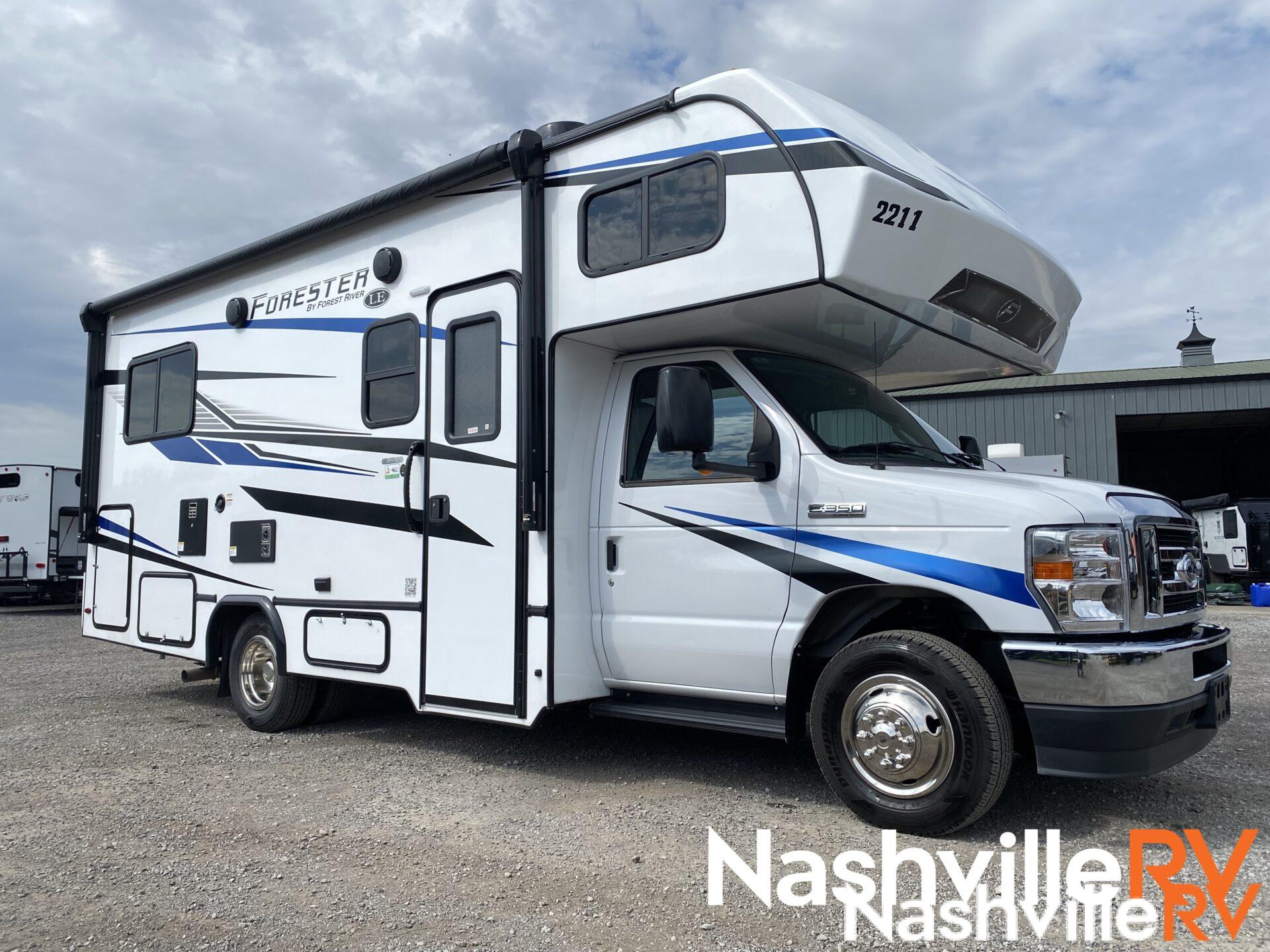
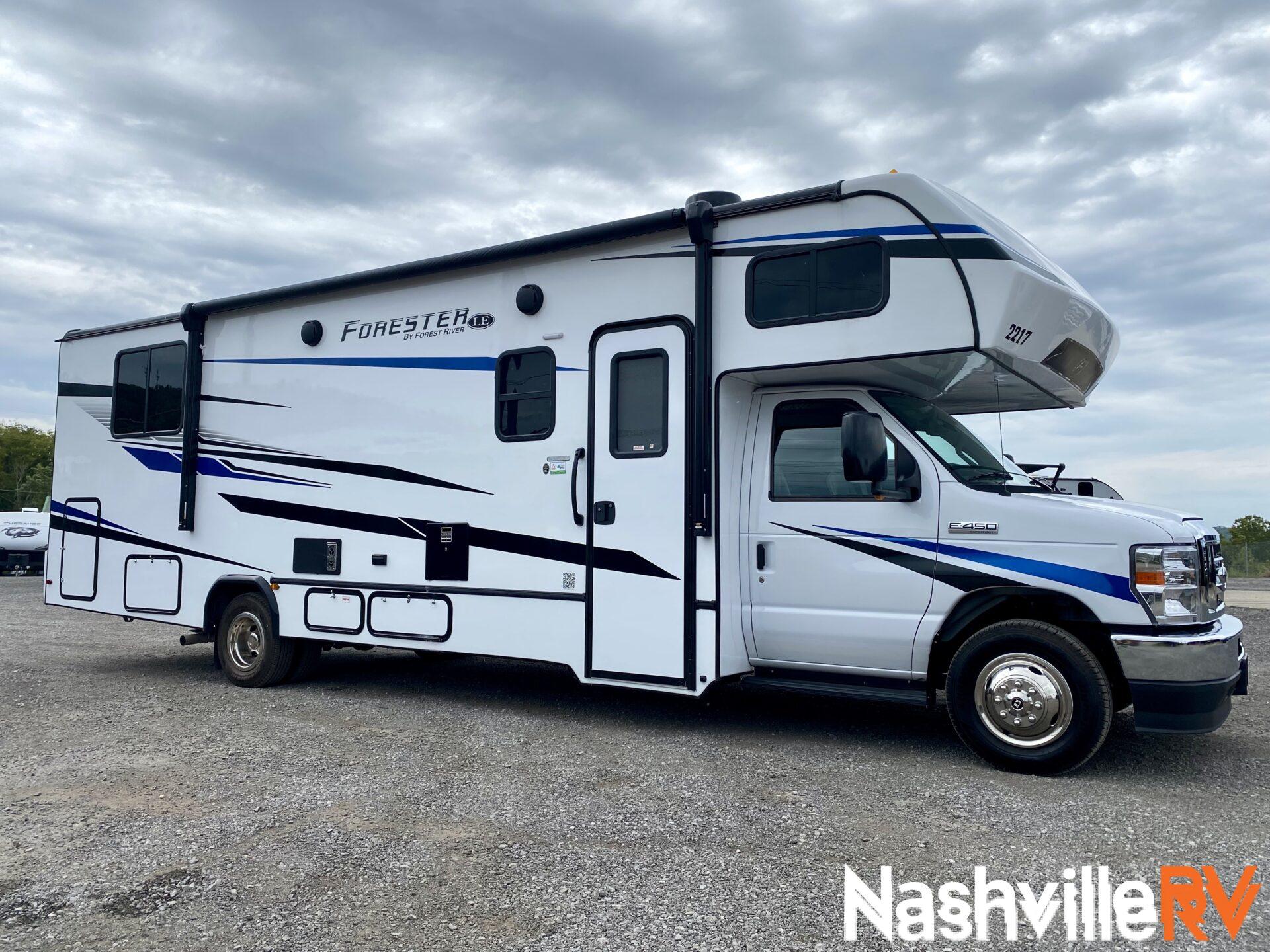
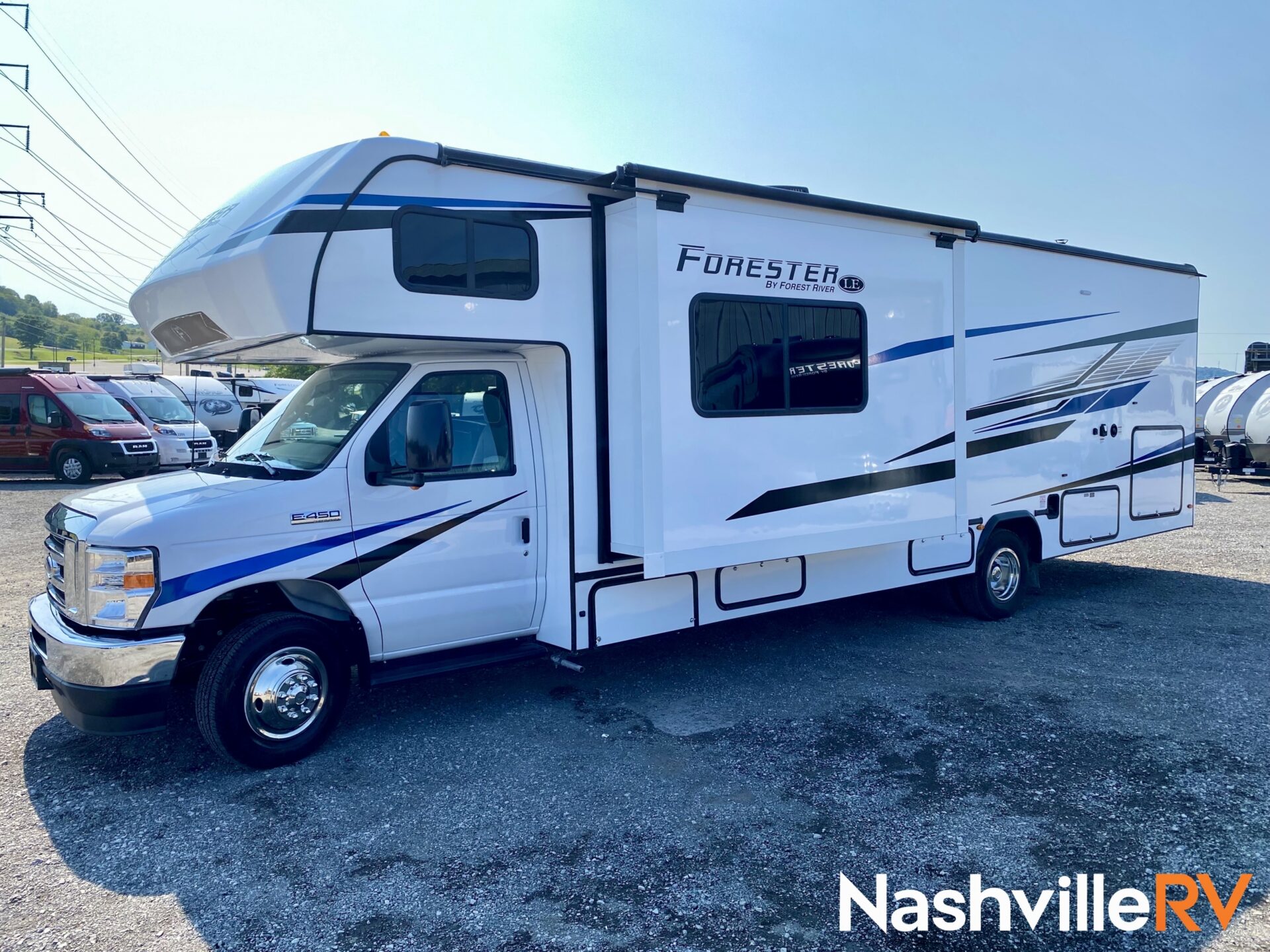
RV Types Curerntly Available to Rent:
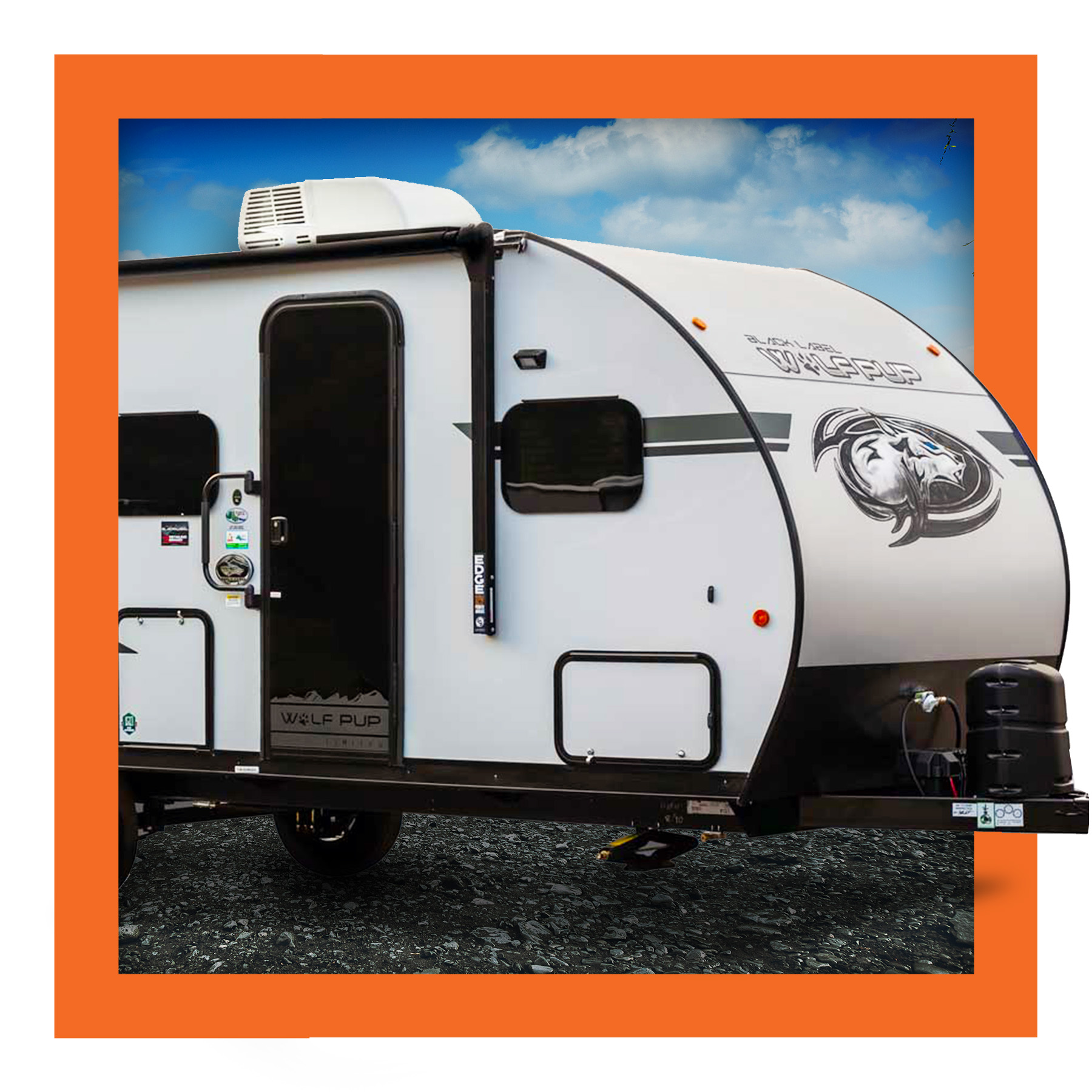
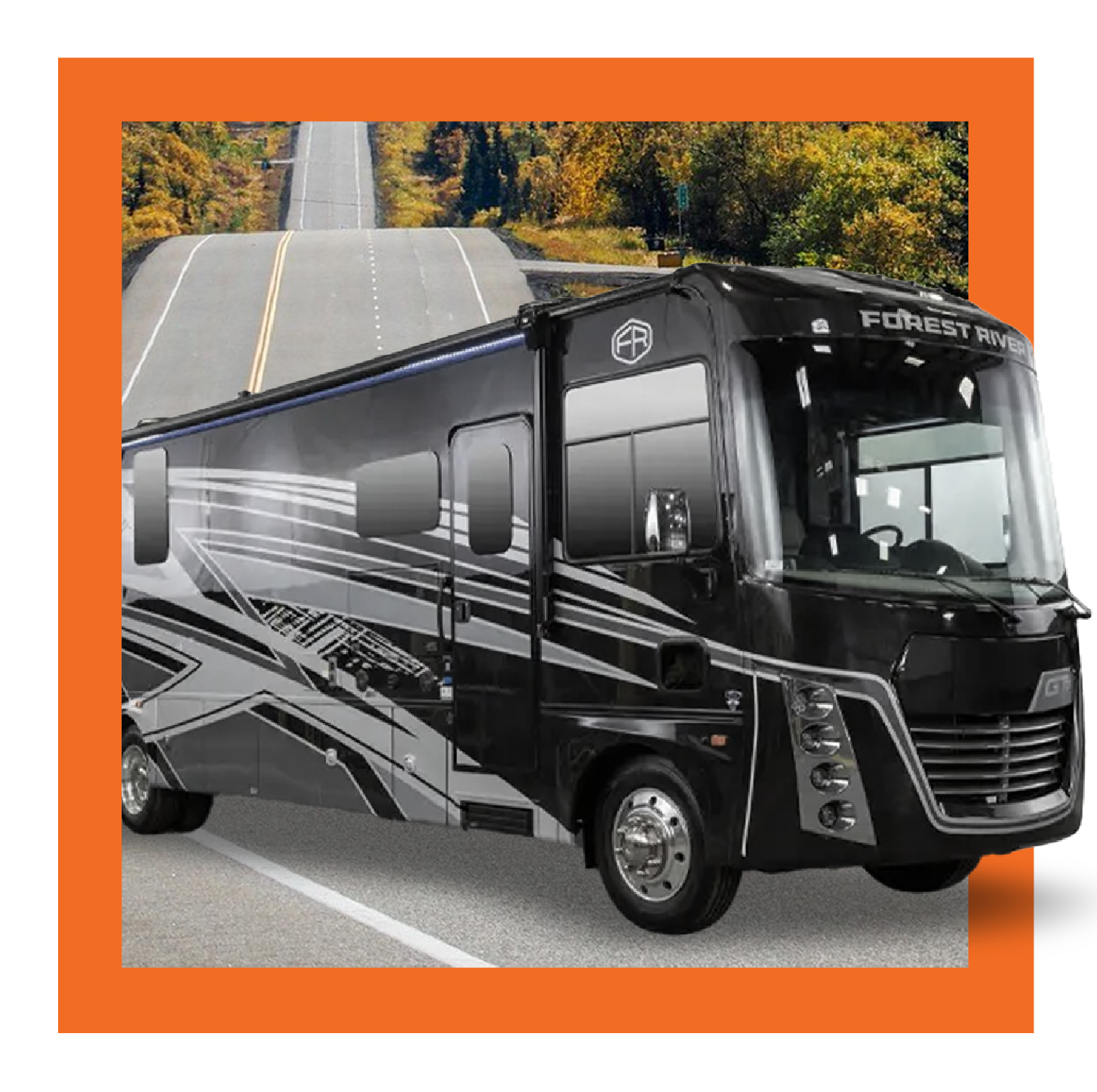
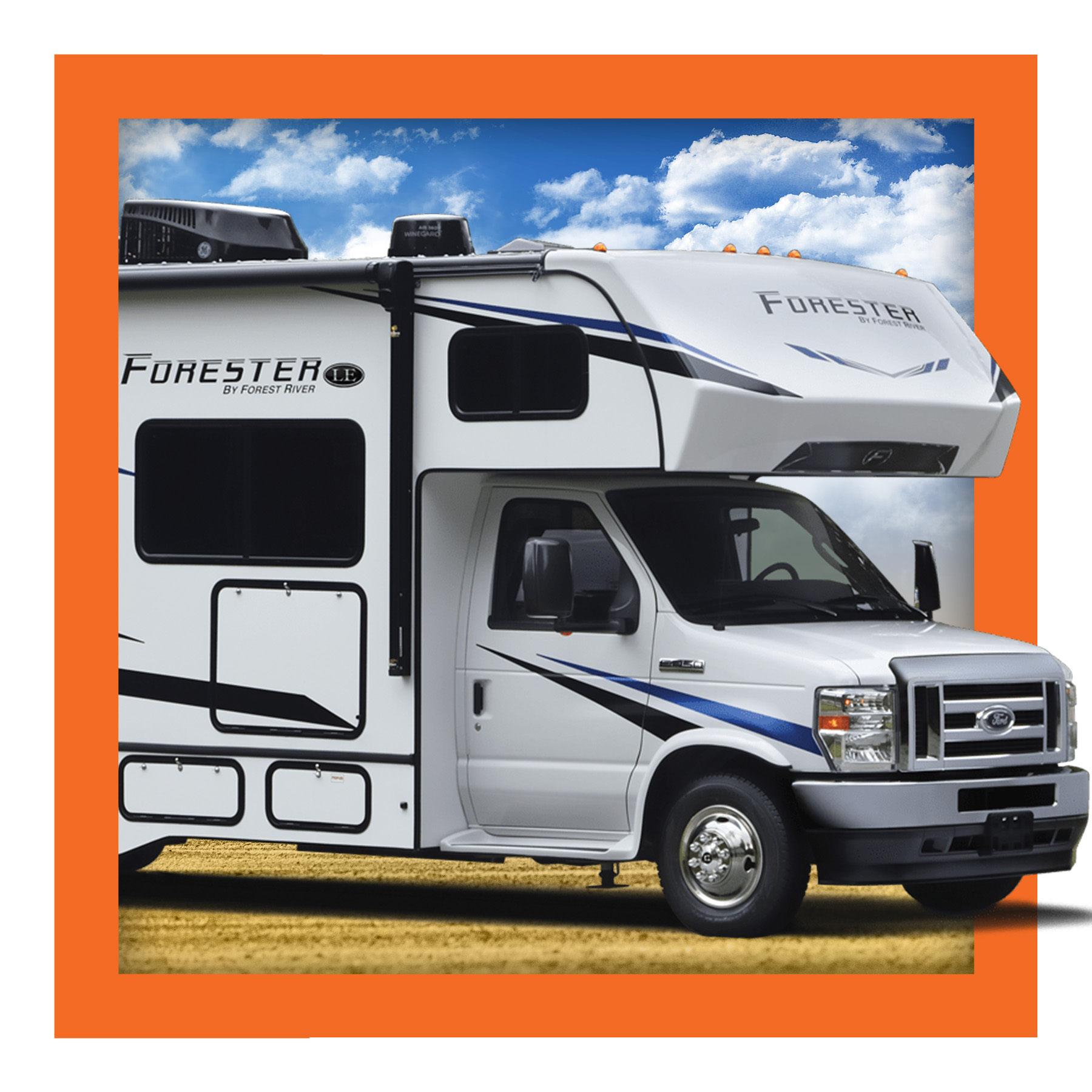
All of our RV Rental vehicles—motorhomes and travel trailers of all shapes and sizes—are kept immaculately clean and have been upgraded to offer every luxurious amenity available to them. Our team is ready and waiting to find you the best possible vehicle for your adventure… and your budget.